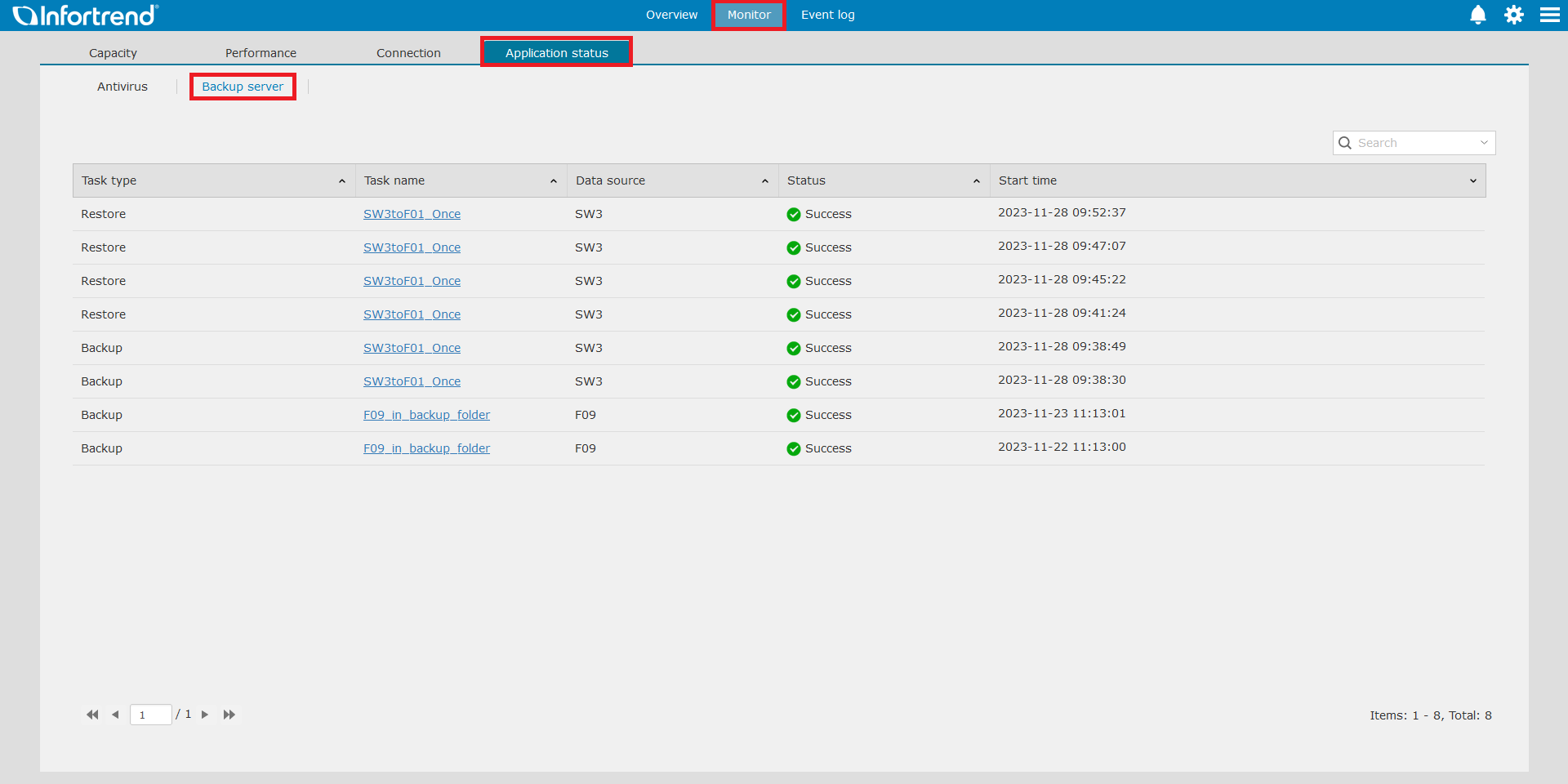
After creating tasks, you can monitor the status and the results of all tasks.
- On a web browser, log in to EonOne using the GS device’s management IP.
- On EonOne, go to Monitor > Application status > Backup server. View the list of all tasks.
We use cookies on this website. To find out more about cookies and how they are used on this website, see our Privacy Policy.
By clicking ?ontinue?? you hereby agree with our use of cookies.
EonStor GS / GS 1000 G3 / GS 1012 G3
After creating tasks, you can monitor the status and the results of all tasks.
 Home