pertanyaan yang sering diajukan
How do I switch users in Windows to access cluster folders?
If you have checked Remember my credentials in Windows to access cluster folders, you will need to remove this user’s credentials first to log in as a different user.
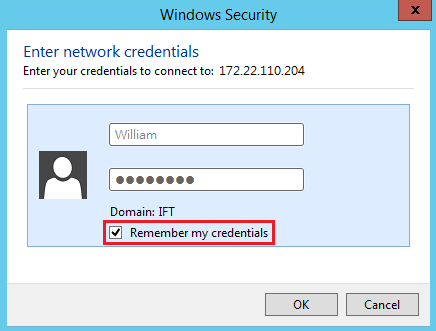
Follow the steps below to switch users in Windows:
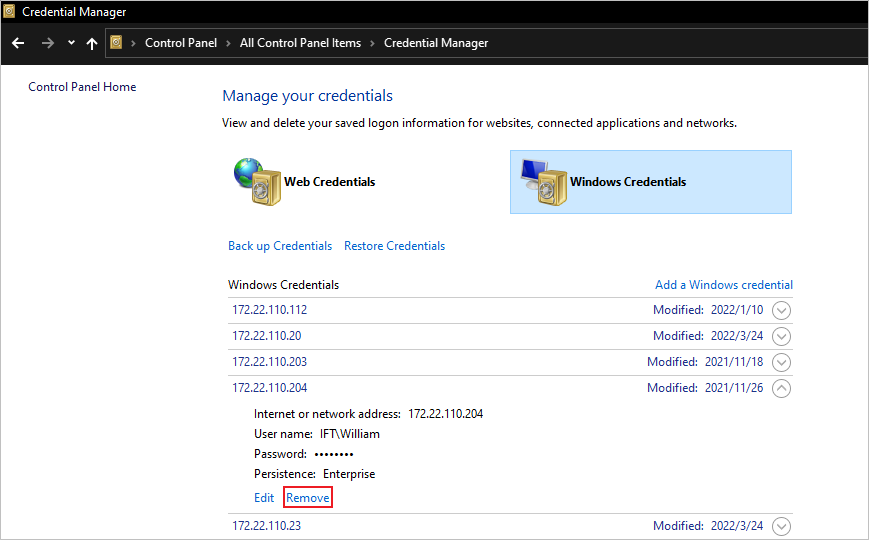
- In Windows, go to Control Panel > Credential Manager > Windows Credentials.
- Find the credentials to be removed, and click Remove.
- Log in as a different user with access permission to the cluster folder.
Created Date: 04/15/2022