Symptom
Virtual machines on VMware cannot be operated normally, and users are unable to add new virtual machines.
Diagnosis
The issue occurs when a thin-provisioned volume from storage is used as a VMware datastore. If the storage pool runs out of usable capacity, it can no longer provide additional space to the thin-provisioned volume, leading to problems with the virtual machines.
Event
When the storage pool runs out of space, you may see the following event in the system logs:
Error 2024-09-29 15:01:28 0x22160038 NAME:Partition 1 ID:0B38CD701E036A05
Insufficient free space for data allocation (slot A)
Solution
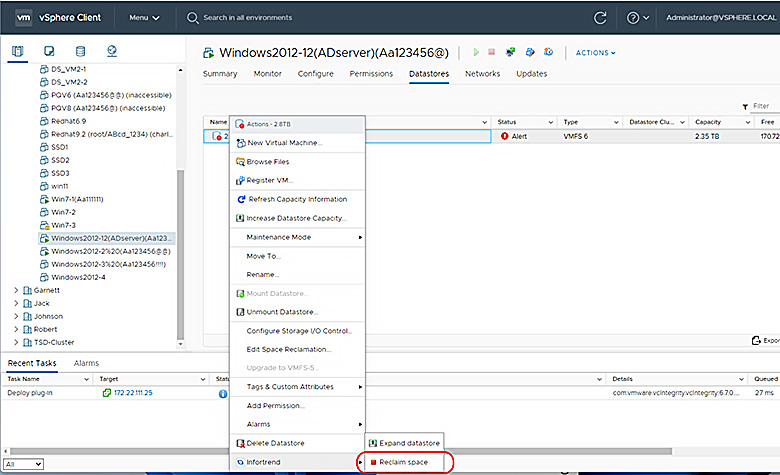
To resolve this issue, delete some virtual machines to free up space in the datastore. Then, use VMware's reclaim function to recover unused space. This will allow the thin-provisioned volume on the storage to regain space, enabling the virtual machines to operate normally.