Symptom:
The EonOne antivirus time doesn't update after clicking "Update Now".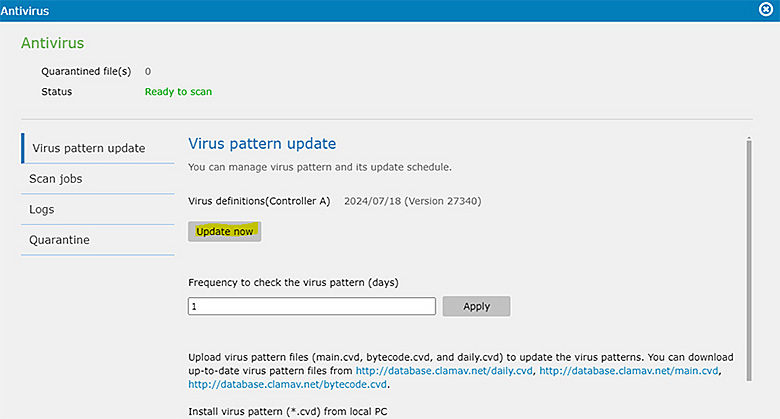
Diagnosis:
This issue occurs because a path (folder) needs to be set up to store the antivirus database. If this path is not specified, the date will not be updated.
Solution:
- Go to Settings > Applications > Installed > Antivirus (Settings).
- Select a folder to store the antivirus database.

By setting up a storage path for the antivirus database, the update time will be correctly reflected after clicking "Update Now".