Symptom
The Management UI (EonOne) suddenly becomes inaccessible, but the IP address of the device is still pingable.
Diagnosis
To troubleshoot this issue, you can attempt to restart the Management UI service by logging into your NAS via SSH using the cloudadm credentials.
Solution
- Log in to your NAS via SSH:
Use thecloudadmusername and password to access your NAS. - Restart the Management UI service:
Once logged in, type the following command to try restarting the service:system eonone_restart
This action will restart the Management UI (EonOne) service without impacting any ongoing I/O operations. However, please note that this may not completely resolve the issue.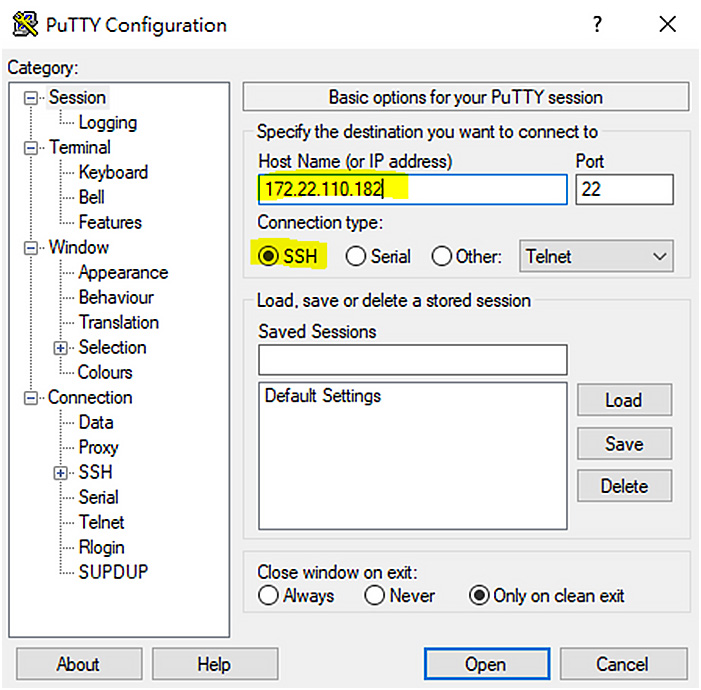

- If the issue persists:
If restarting the service does not solve the problem, please contact Infortrend Support for further assistance. You can submit a support ticket here.