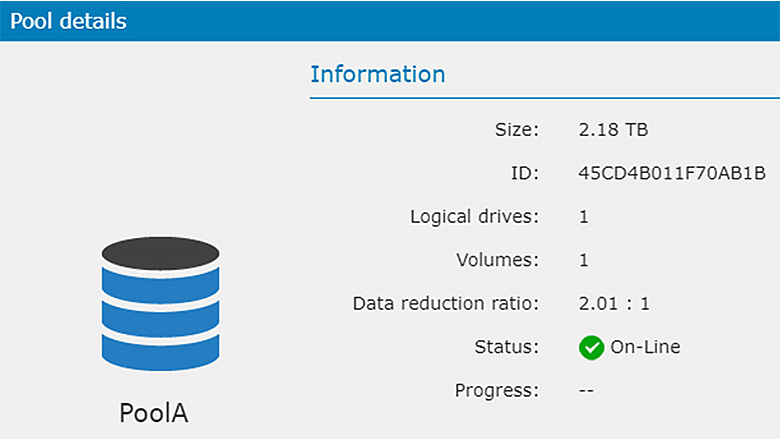
Block-level deduplication does not reduce the amount of space that Windows reports as used; it only reduces the used space within the DS/GS pool.
Understanding the Impact
For example, if a Virtual Volume (VV) is 1 TB, Windows will only recognize up to 1 TB of data, regardless of whether deduplication is enabled or not. In other words, Windows is unaware that the data is being deduplicated.
Example Scenario
Consider the following scenario:
- Physical Drive Size: 1 TB
- Pool (Reserved) Size: 1 TB
- Thin Provisioned Volume: 2 TB
Initially, Windows will detect 2TB of free space. Without deduplication, if the user writes 1 TB of data to the VV, the pool will become full, preventing any further data writing.
However, if deduplication is enabled, the 1 TB of data might be reduced to 300 GB (despite Windows still perceiving 1 TB of data on this LUN). This reduction results in 700 GB of available space within the pool, allowing Windows to continue writing data.
Additional Information
- Deduplication Ratio: The deduplication ratio is displayed in the Pool details.
- Volume-Level Deduplication Ratio: There is no deduplication ratio information available per Volume, as all deduped data within the same pool is deduplicated together.