I want my drive to automatically replace bad drive. How do I assign the drive to do Clone & Replace?
To assign Clone and Replace:
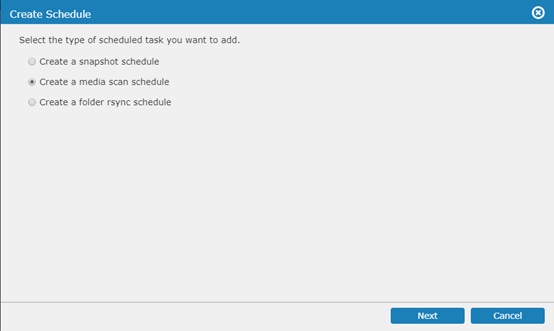
- Launch EonOne then click Settings > Backup & Restore > Schedule to set up a media scan schedule.
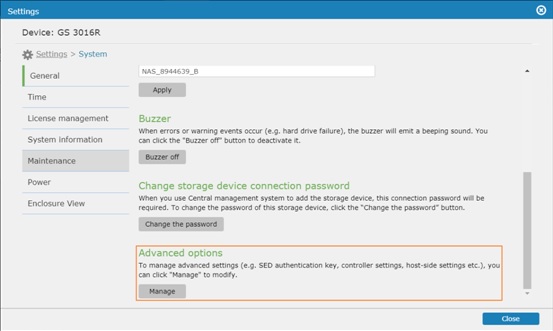
- Go back to Settings then click System > General and click Edit under Advanced options.
- Click Drive-side tab then set up your preferred Clone & Replacement configuration.

To set up and use spare drive, see FAQ Spare drive setup and use.
Created Date: 03/23/2018