FAQ 常見問題
如果要設定以熱備援硬碟自動更換故障硬碟,該如何操作?
設定硬碟複製及更換的流程為:
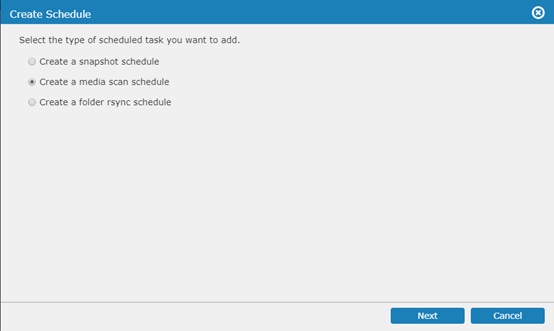
- 登入EonOne並進入Settings > Backup & Restore > Schedule ,然後設定Media scan之行程
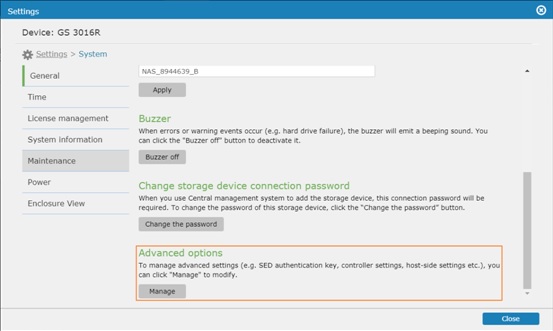
- 回到設定頁面下,進入System > General 並點選Advanced options底下的編輯.
- 切換到Drive-side頁面下並設定您需要的Clone & Replacement內容

關於設定熱備援硬碟,請再連結到FAQ: Spare drive setup and use.
Created Date: 03/23/2018