Solution:
- Turn on the Server:
Power on the server embedded with the EonServ. (Ensure this solution is performed within the OS installed in the EonServ.) - Log in to SANWatch:
If SANWatch is not installed, download and install it from the provided link: EonServ SANWatch download. - Add Device:
Open SANWatch and press the “Add Device” button.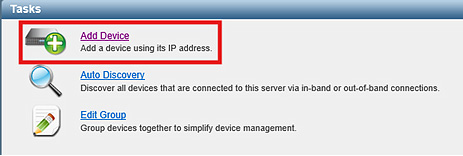
- Enter IP Address:
Input the IP address “127.0.0.1” and click “Add”.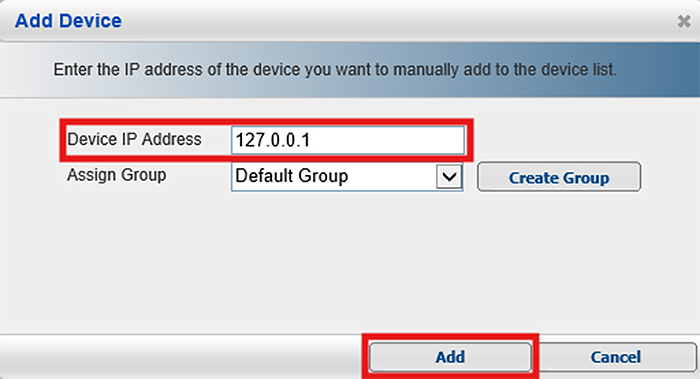
By following these steps, you can successfully set up and add your EonServ to SANWatch.