How to mount snapshot and check files for File-Level Volume?
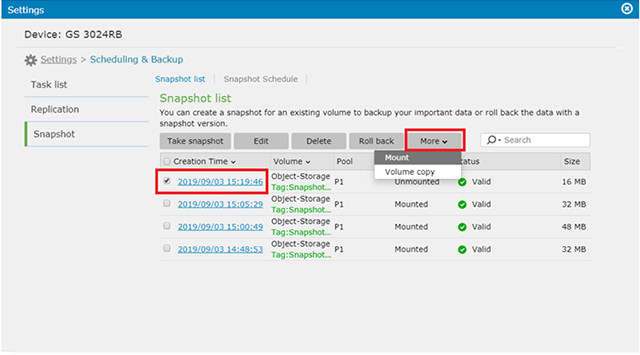
1. Go to Settings –> Scheduling & Backup –> Snapshot and then make a snapshot schedule or take one snapshot.

2. Select the particular timing of snapshot you need and select Mount from More drop-down list.
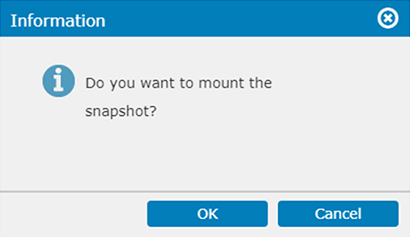
3. It will pops-up the information. Click OK to continue the process.
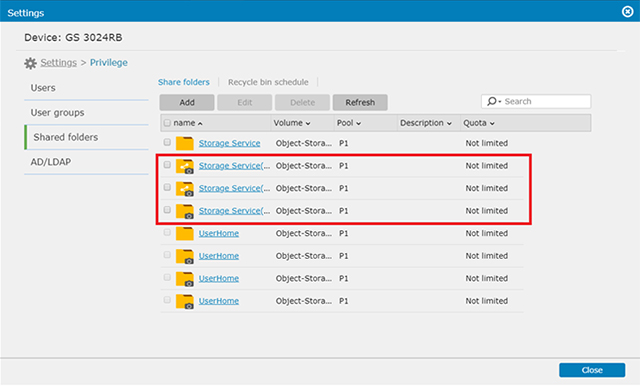
4. When it is mounted successfully, go to Settings –> Privilege –> Share Folders.
In the illustration below, you can see the format for share folders in the snapshot is named after share name(tag name of snapshot)
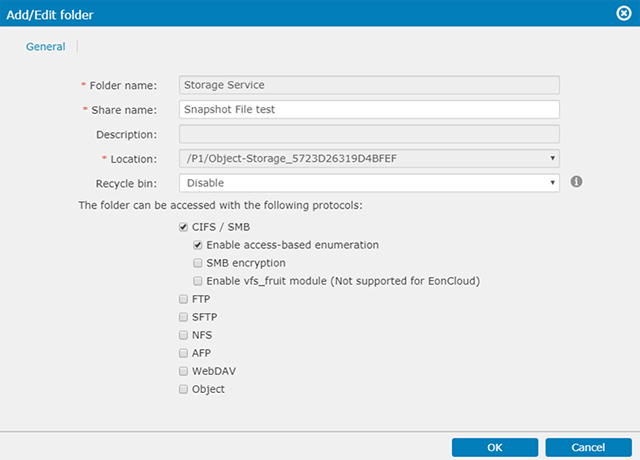
5. Enable the protocol you prefer for checking the share and click OK.
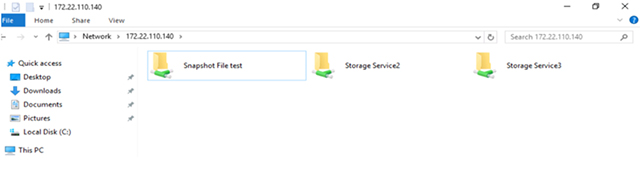
6. Use Windows Explorer check the mounted share folder.
Created Date: 10/03/2019