Symptom:
Unable to receive SMTP notifications despite no apparent network or server-side issues.
Diagnosis:
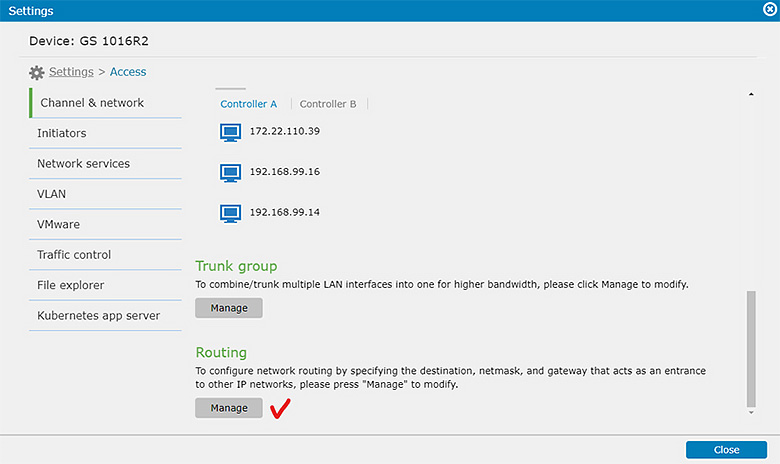
To enable the GS system to communicate with external networks and servers for SMTP notifications, it's crucial to specify the interface used for these communications. This can be either the management port or any file-level data port available.
Solution:
- Configure Default Routing:
Ensure that Default Routing is correctly configured on your GS system to enable SMTP notifications. Follow these steps:- Navigate to the management interface of your GS system.
- Look for the Default Routing configuration submenu.
- Choose Routing Interface:
- Select either the management port or a file-level data port for routing SMTP notifications.
- Configure the chosen interface to ensure connectivity to external SMTP servers.
- Verification:
- After configuring Default Routing, test SMTP notification functionality.
- Verify that the system can now successfully send and receive SMTP notifications without any issues.